Getting Started
How the App Works
Set up your safety net in 6 simple steps.
1
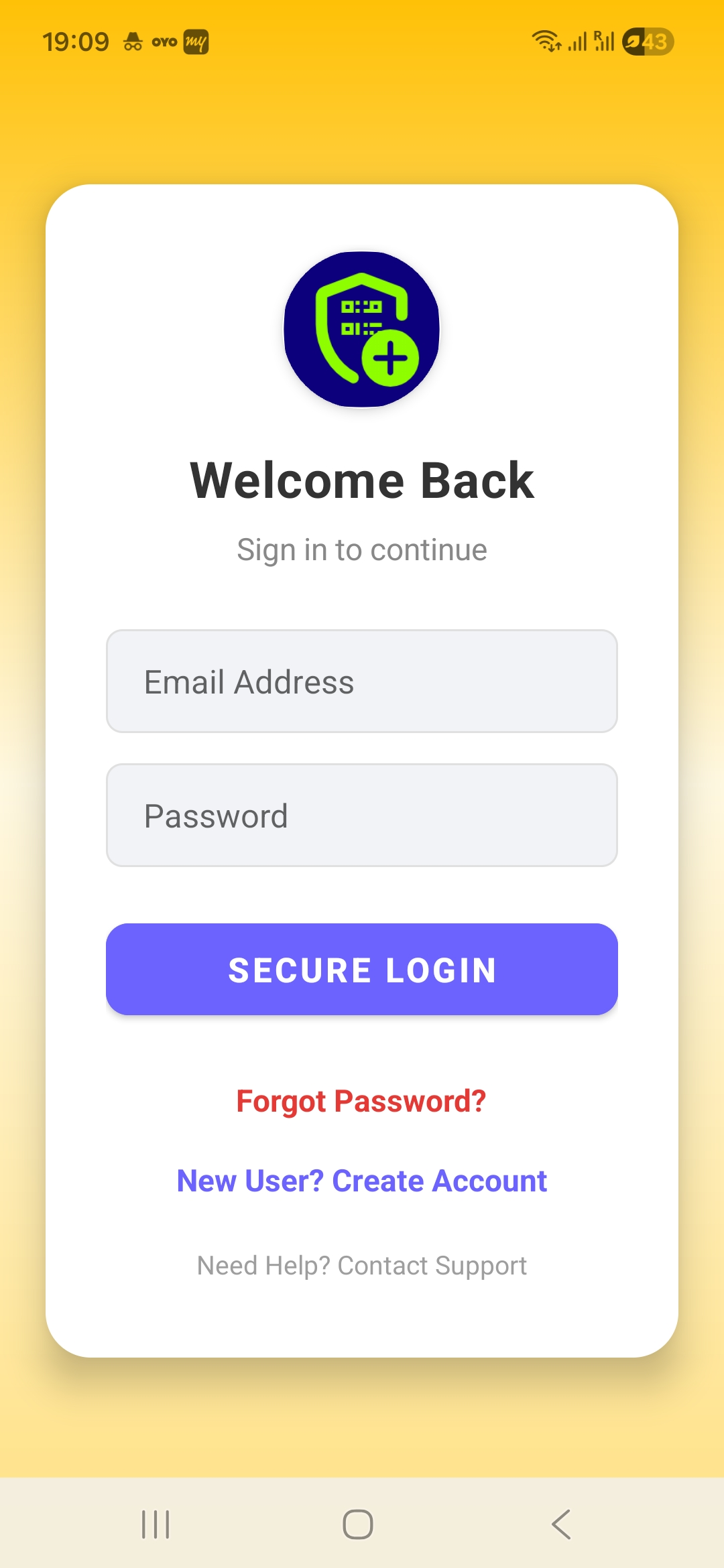
Download & Login
Install the app and login using your mobile number securely.
2
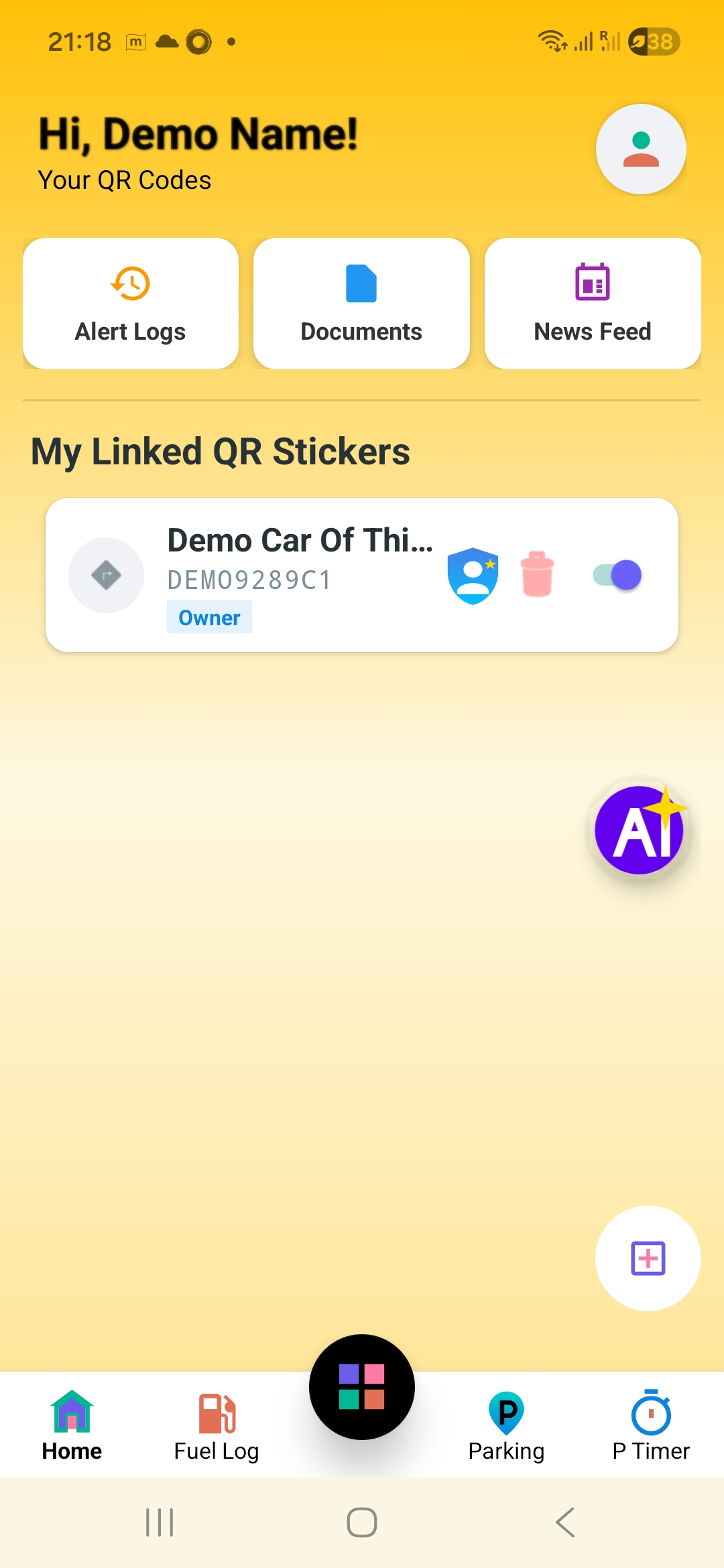
Tap 'Add Sticker'
On the home dashboard, tap the large (+) Add button to begin.
3
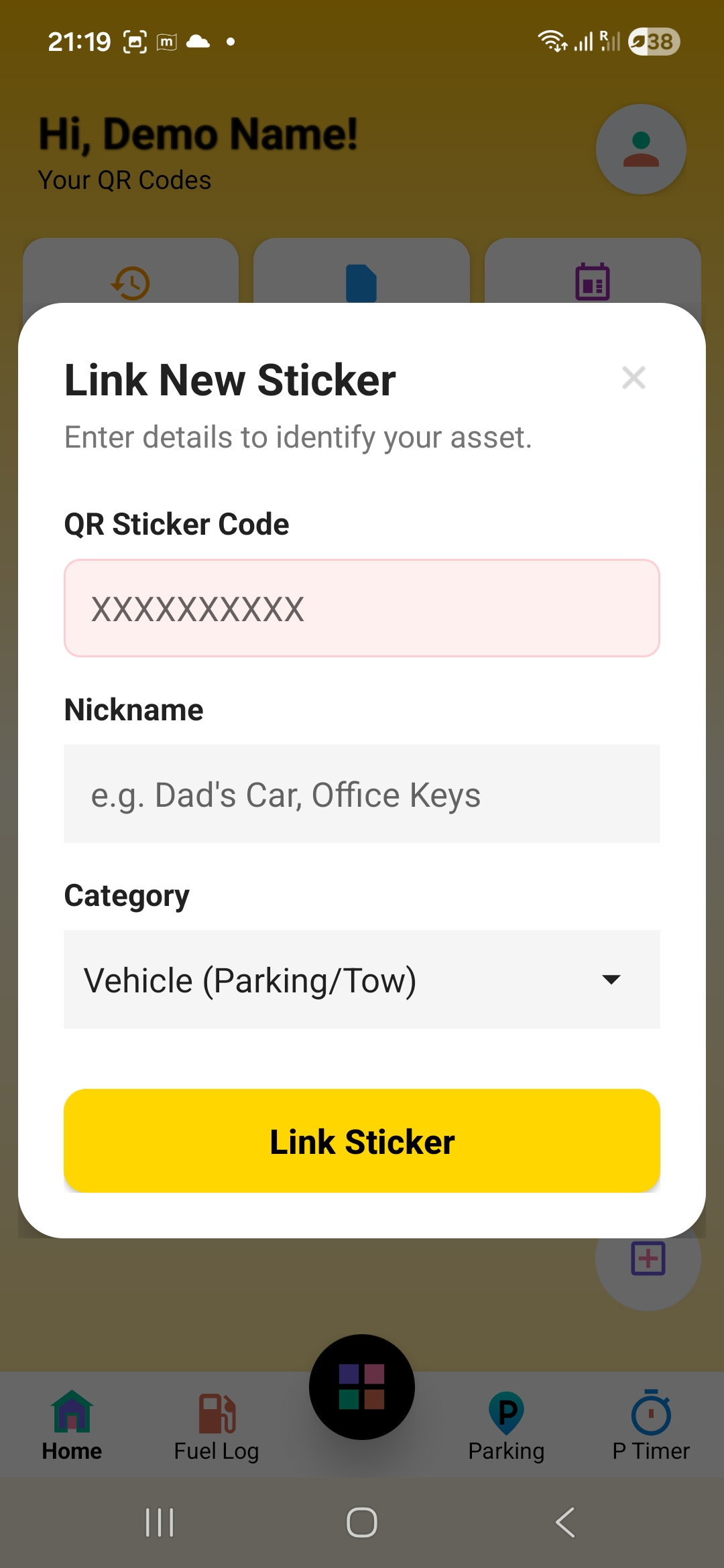
Enter Serial Number
Type the unique 10-digit code found on your physical QR sticker.
4
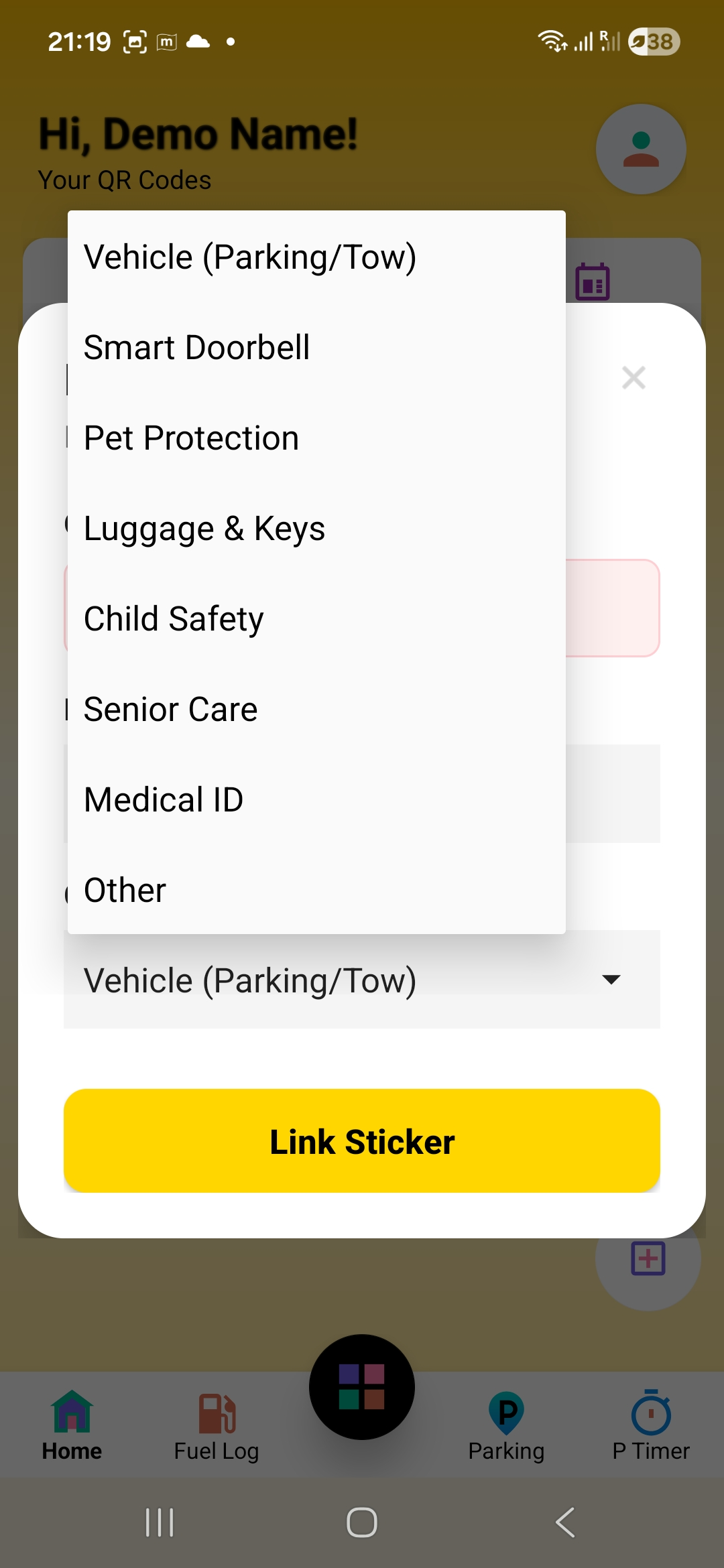
Select Category
Choose between Vehicle, Pet, or Doorbell to customize features.
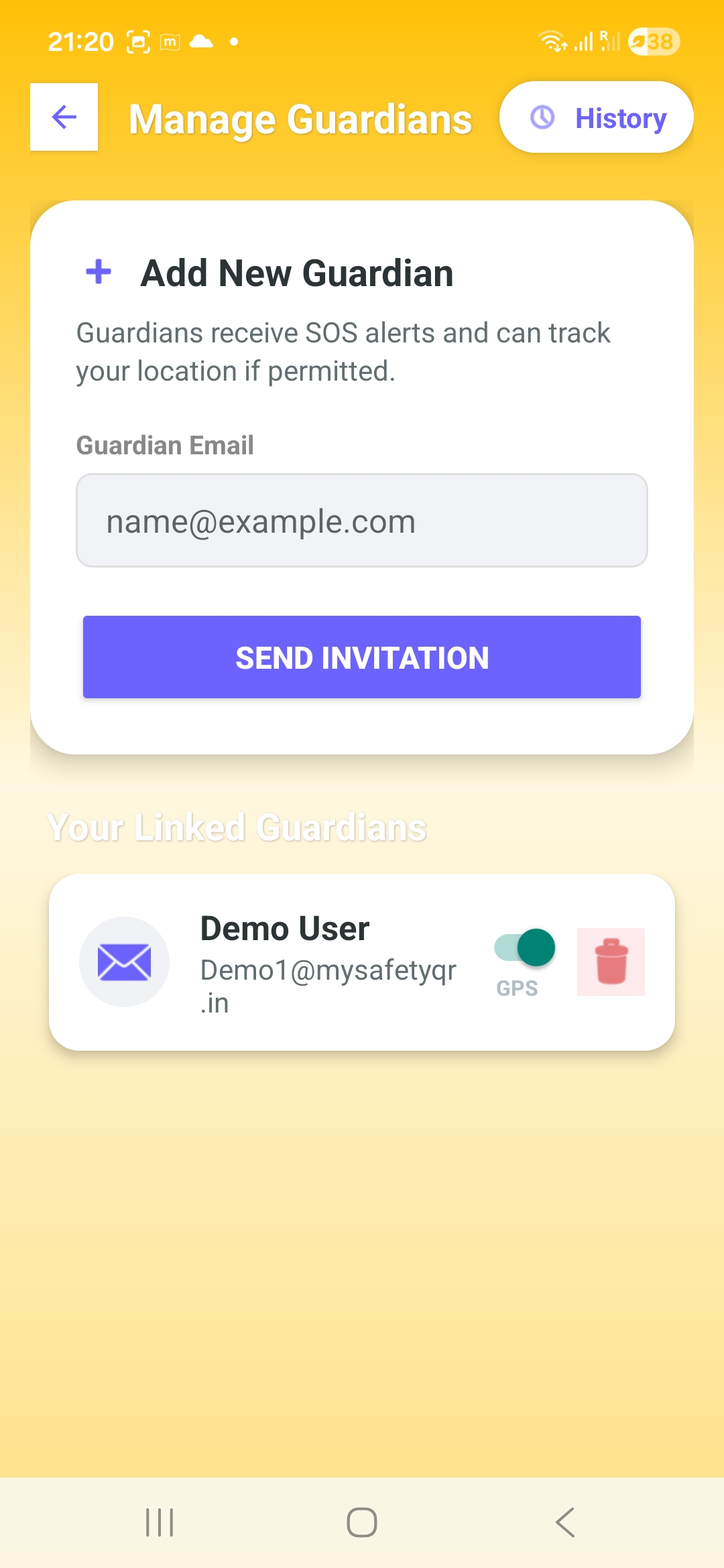
5
Add Emergency Contacts
Add family members who should be notified when the QR is scanned.
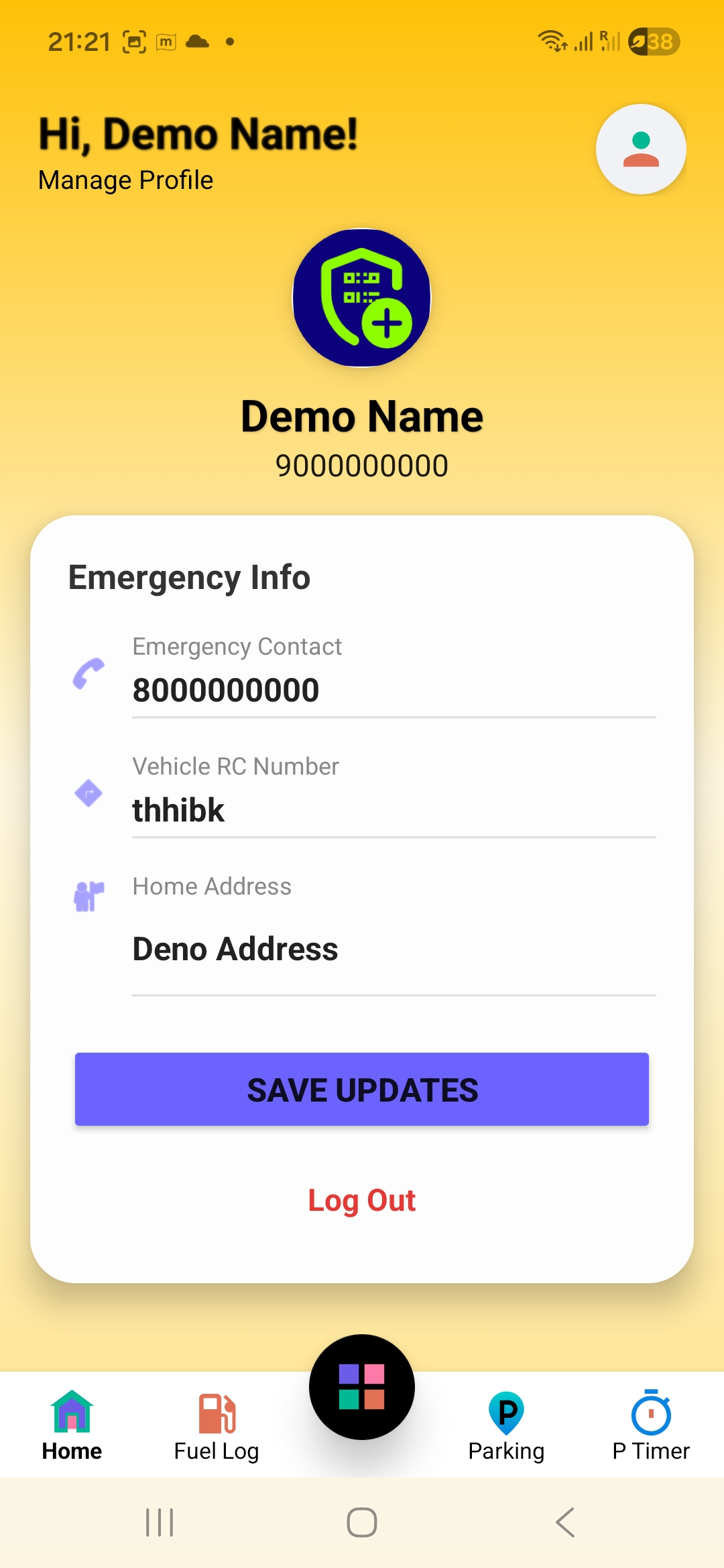
6
You are Protected!
Your sticker is now active. Stick it on your vehicle or item.